WSDL Editor
The WSDL editor provides support to check whether a WSDL document is valid, a specialized Content Completion Assistant, a component-oriented Outline view, and searching and refactoring operations.
Editing WSDL files
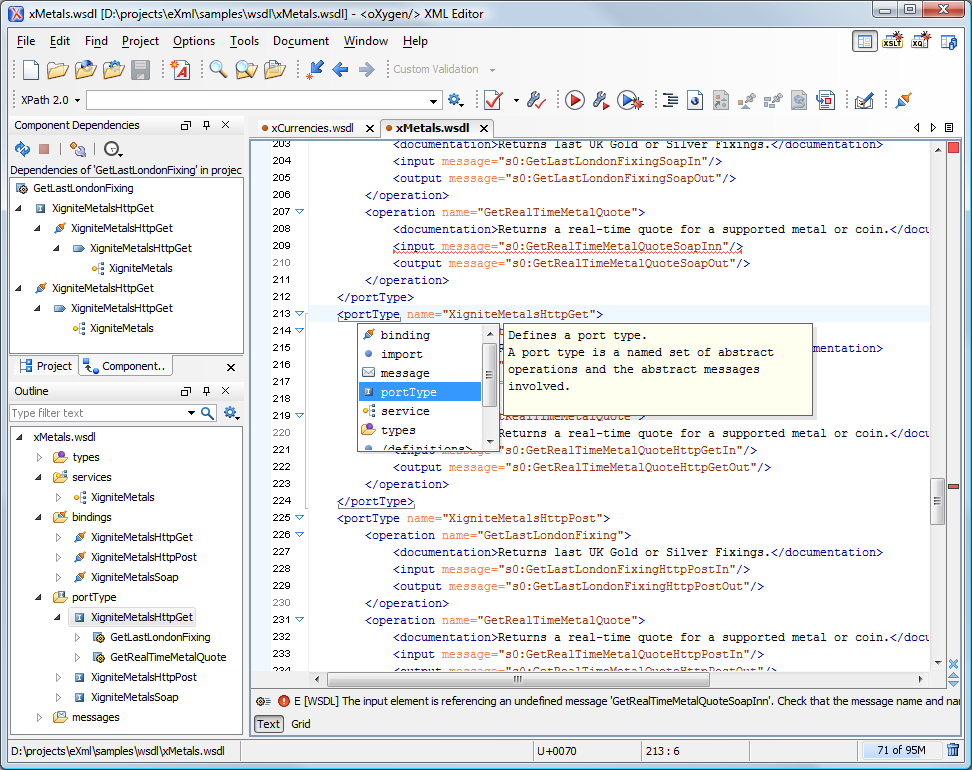
The WSDL files contain information about the published services, such as the name, message types, and service bindings. Editing WSDL files in Oxygen is similar to editing XML files, and the Content Completion Assistant is driven by a mix of the WSDL and SOAP schema.
WSDL version 1.1 is fully supported, as well as SOAP versions 1.1 and 1.2. This means that the Content Completion Assistant offers elements from both SOAP 1.1 and SOAP 1.2 in the location where a SOAP extension can be inserted. WSDL version 2.0 is also partially supported.
Validating WSDL files
While editing the Web Services Descriptors, you can check their conformance with the WSDL and SOAP schema. In the following example, you can see how the errors are reported in a tooltip message and at the bottom of the editing panel.

WSDL Outline View
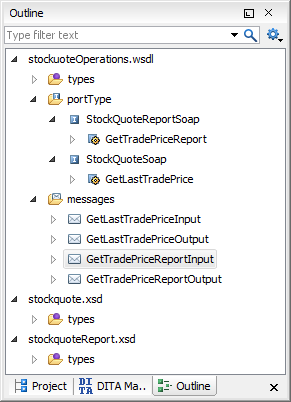
The Outline view displays WSDL components (services, bindings, port Types, messages) and XML schema components of the currently opened document, along with the components of its imports. You can easily focus on a subset of a components using the text filter in the Outline view. You are able to sort the components by name and group them by type, location, or namespace.
Content Completion Assistant in WSDL Documents
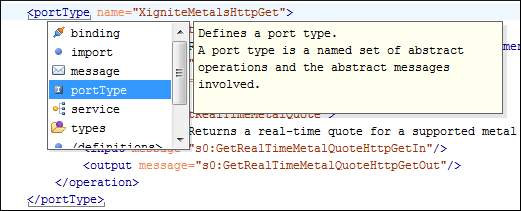
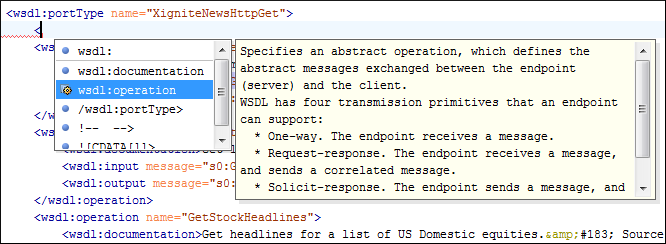
The Content Completion Assistant is a powerful feature that enhances the editing of WSDL documents. It helps you define WSDL components by proposing the element names and attribute values that can be inserted at the cursor position. It also offers the list of WSDL and XML Schema components, allowing you to insert references to them. The WSDL and XML Schema components are collected from all imported/included modules. The Content Completion Assistant offers a short description for the WSDL elements and attributes that it proposes.
Main Files
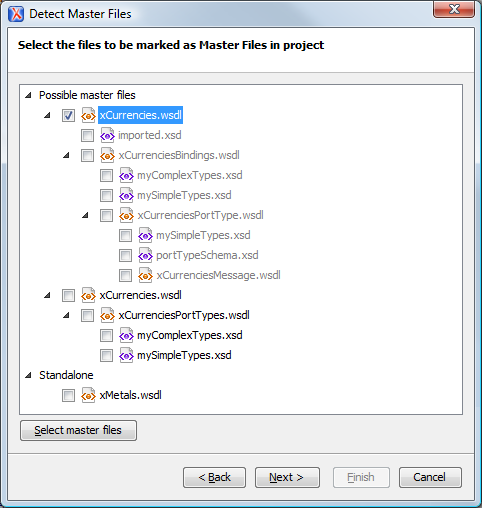
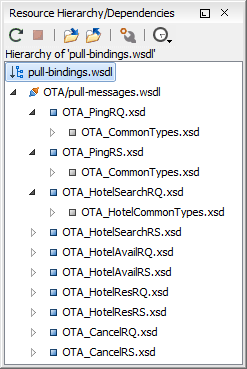
Smaller interrelated modules that define a complex WSDL structure cannot be correctly edited or validated individually, due to their interdependency with other modules. In the context of the Main Files that you define, Oxygen offers support for WSDL validation, editing (content completion assistance and outline), searching, and refactoring actions.