Visual TEI Editor
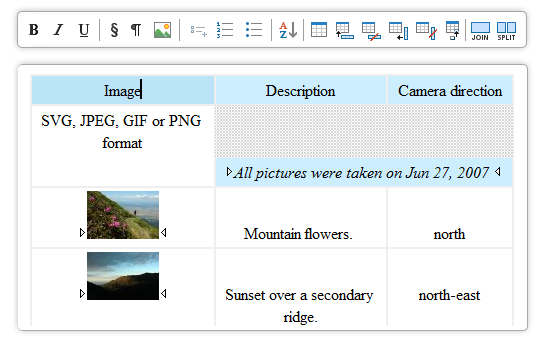
Oxygen XML Editor includes TEI DTDs and stylesheets. Writing and publishing
TEI documents is very easy with Oxygen since its user interface is similar to a word
processing application (WYSIWYG).
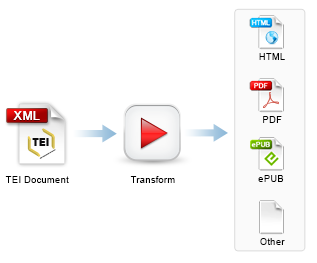
- TEI EditingOxygen includes TEI DTDs, XML Catalogs, XSL stylesheets, and document templates so that you can start working with TEI documents right away. You can edit documents with the help of the context-sensitive Content Completion Assistant, easily validate the edited documents, and transform them into HTML or PDF formats. We cooperate with the TEI Consortium and we are committed to keeping the TEI support up-to-date in future Oxygen releases.read more
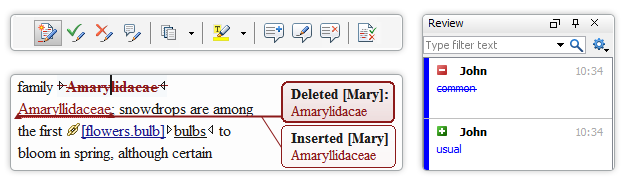
- Content Review and Change TrackingCollaboration is a key to success for up-to-date and top quality documentation. Using Oxygen, authors and reviewers can work together seamlessly, adding comments, seeing each others changes, and searching reviews.read more
- Single-Source TEI PublishingWith Oxygen, you can easily transform TEI documents into HTML and PDF formats with a single click.read more