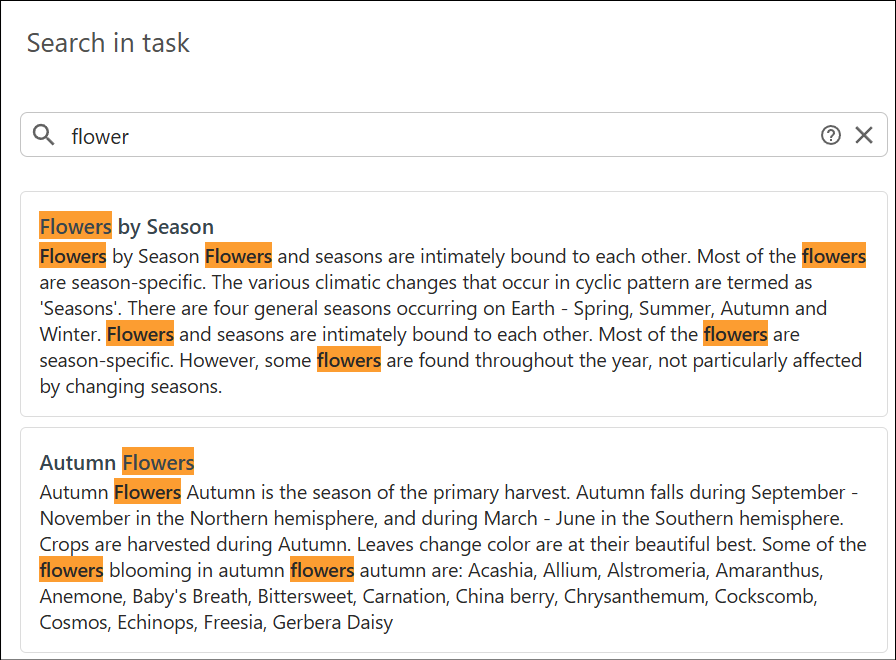
Search View
Use the Search view in a review task to find text across all review task files and filter the results.
Click Search in the left stripe to open the Search in Task view for the current review task. This view lets you search for content in all files attached to the task.
Tip:
To search or filter review items (comments, highlights,
and so on), use the separate Reviews view.
Enter the text you want to find in the search field. The search looks for matches in the text of all task files. For advanced search options, see Advanced Search Syntax. A short reference is also available in the user interface through the help icon next to the search field.
Click a result to open the file in the review task visual editor.